Financial calculations, ready for the next decision.
A native RPN financial calculator for Mac.
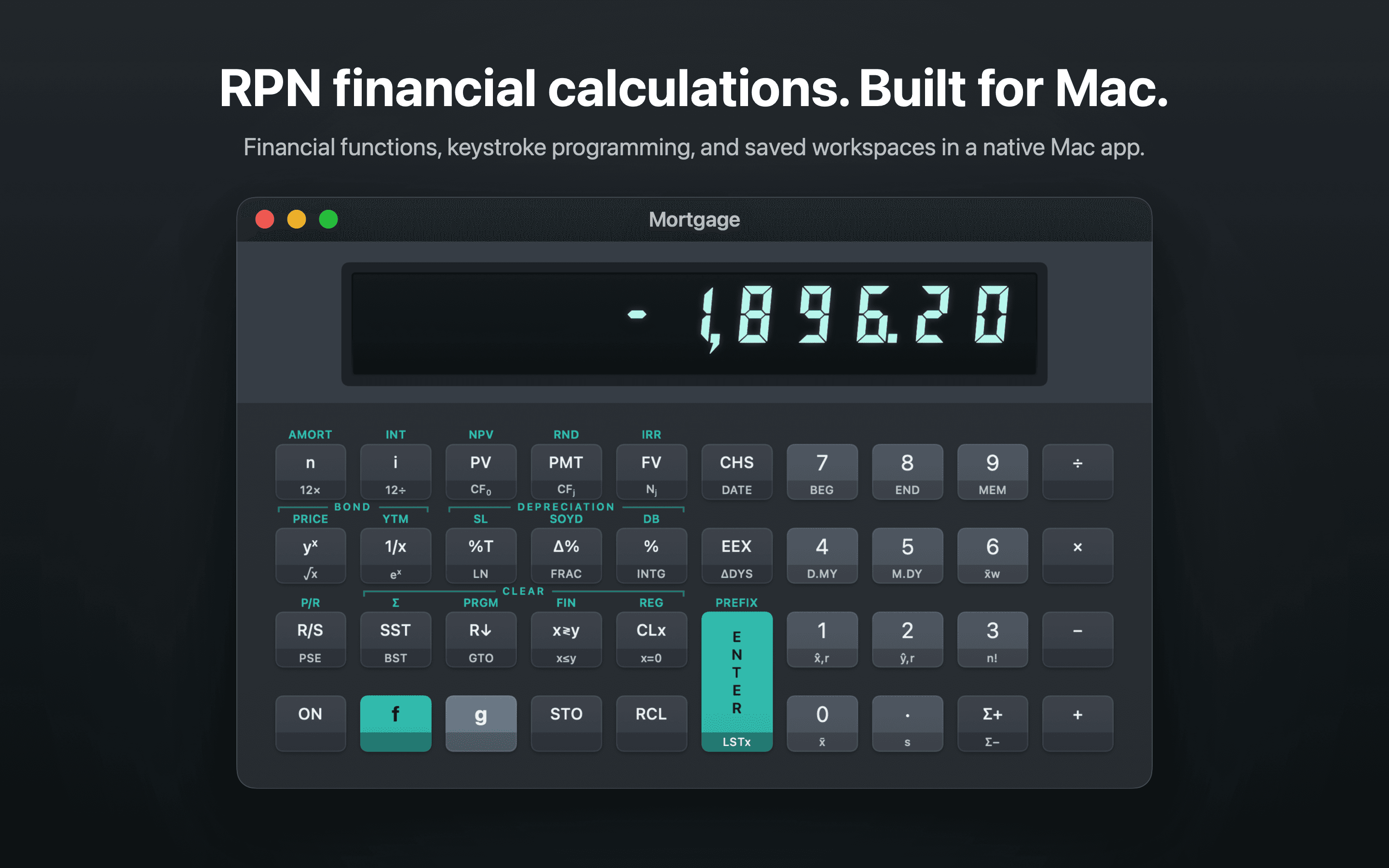
FinaCalc brings a dedicated-key financial calculator workflow to macOS. Work through time value of money, amortization, cash flows, NPV, and IRR in a focused workspace designed for finance and fintech professionals.
A practical tool for financial work
Move between calculations without losing the values, registers, or steps that support your work.
RPN calculations
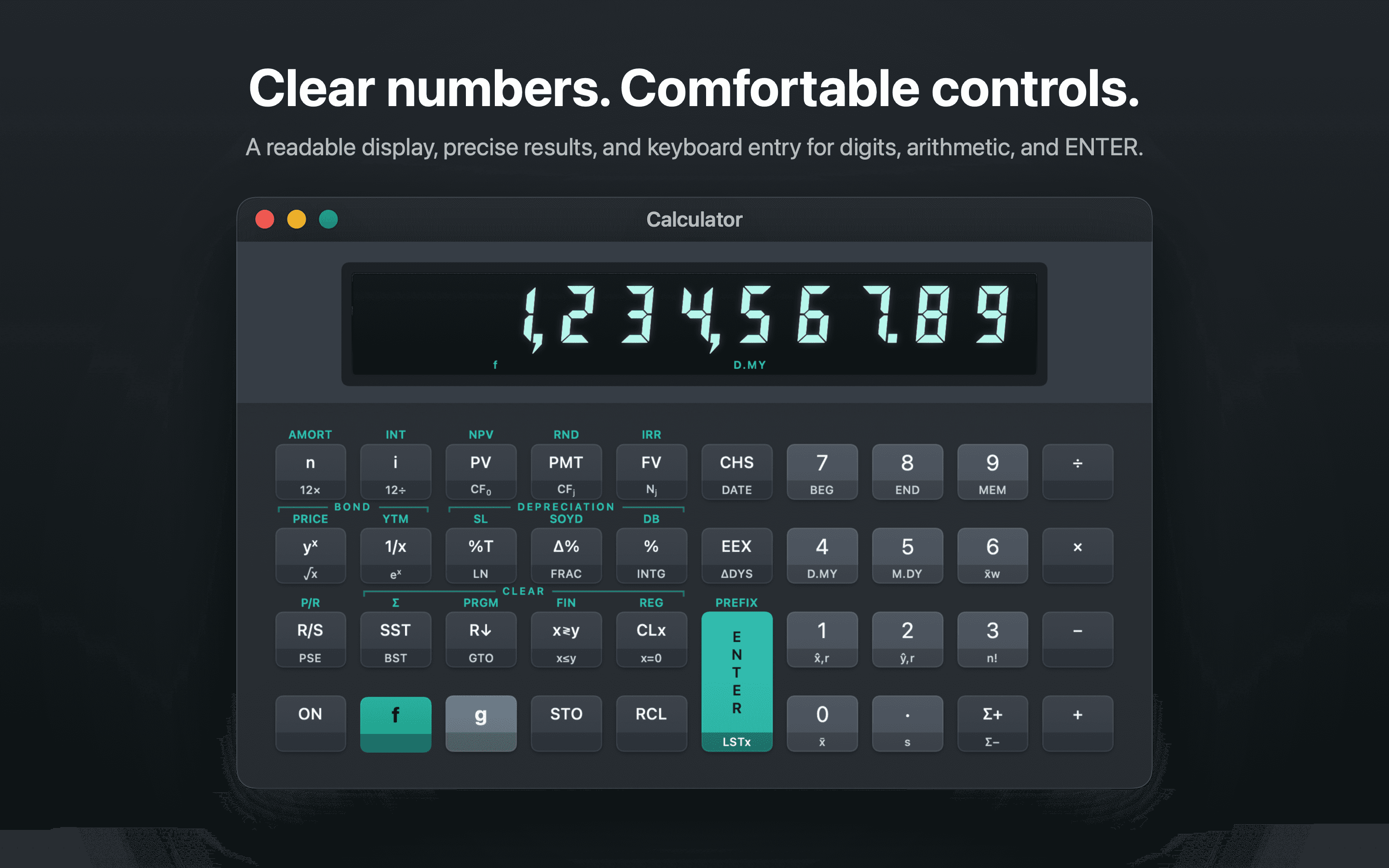
Use a dedicated-key workflow with an X, Y, Z, and T stack, LAST X, storage registers, and familiar financial functions.
Time value of money
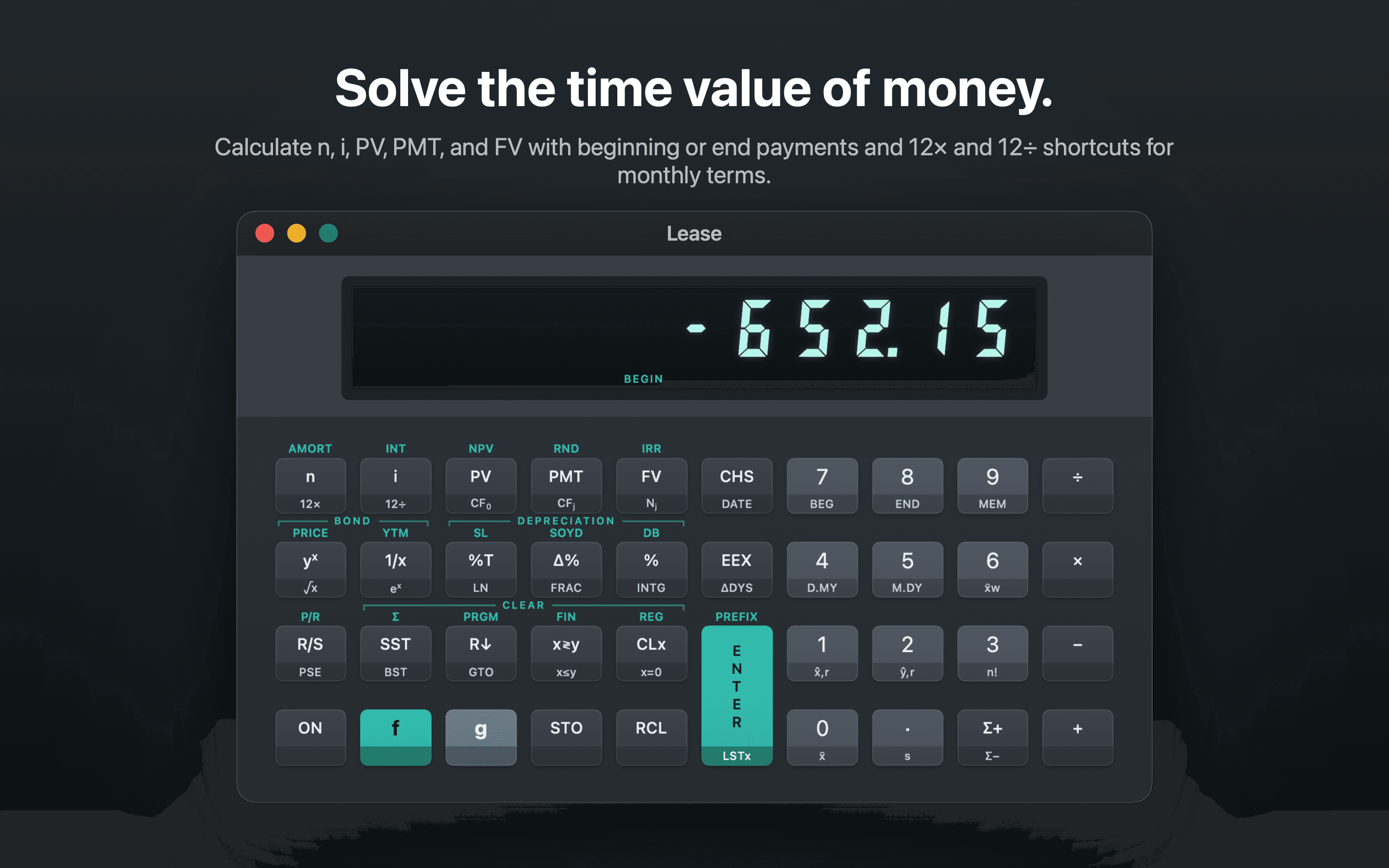
Solve for n, i, PV, PMT, or FV. Set payment timing and use monthly compounding for common finance scenarios.
Cash flow analysis
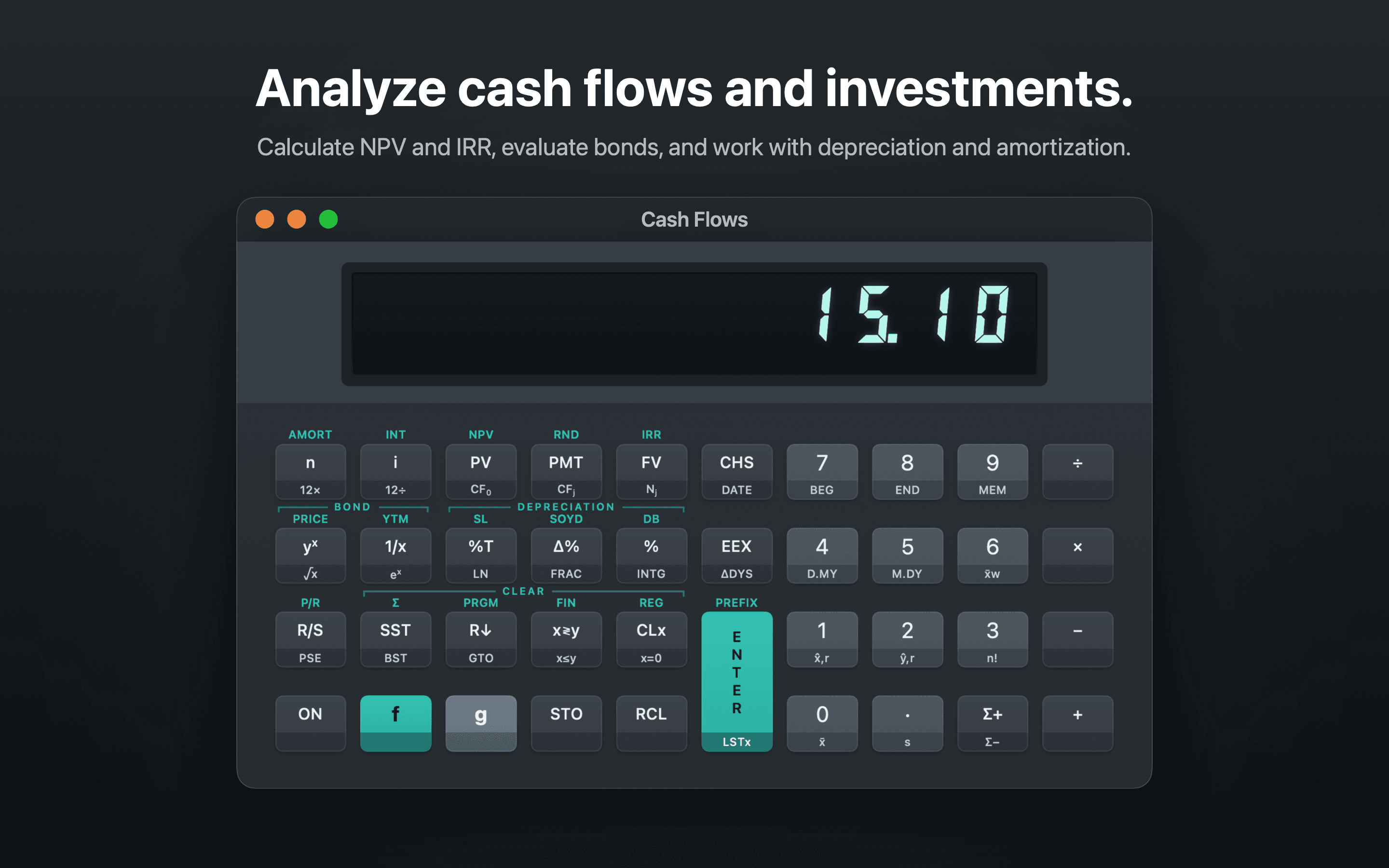
Enter cash flows and repeat counts, then calculate net present value and internal rate of return.
Amortization and memory
Review interest and principal across payment periods. Keep working values in registers as a calculation develops.
Keystroke programs
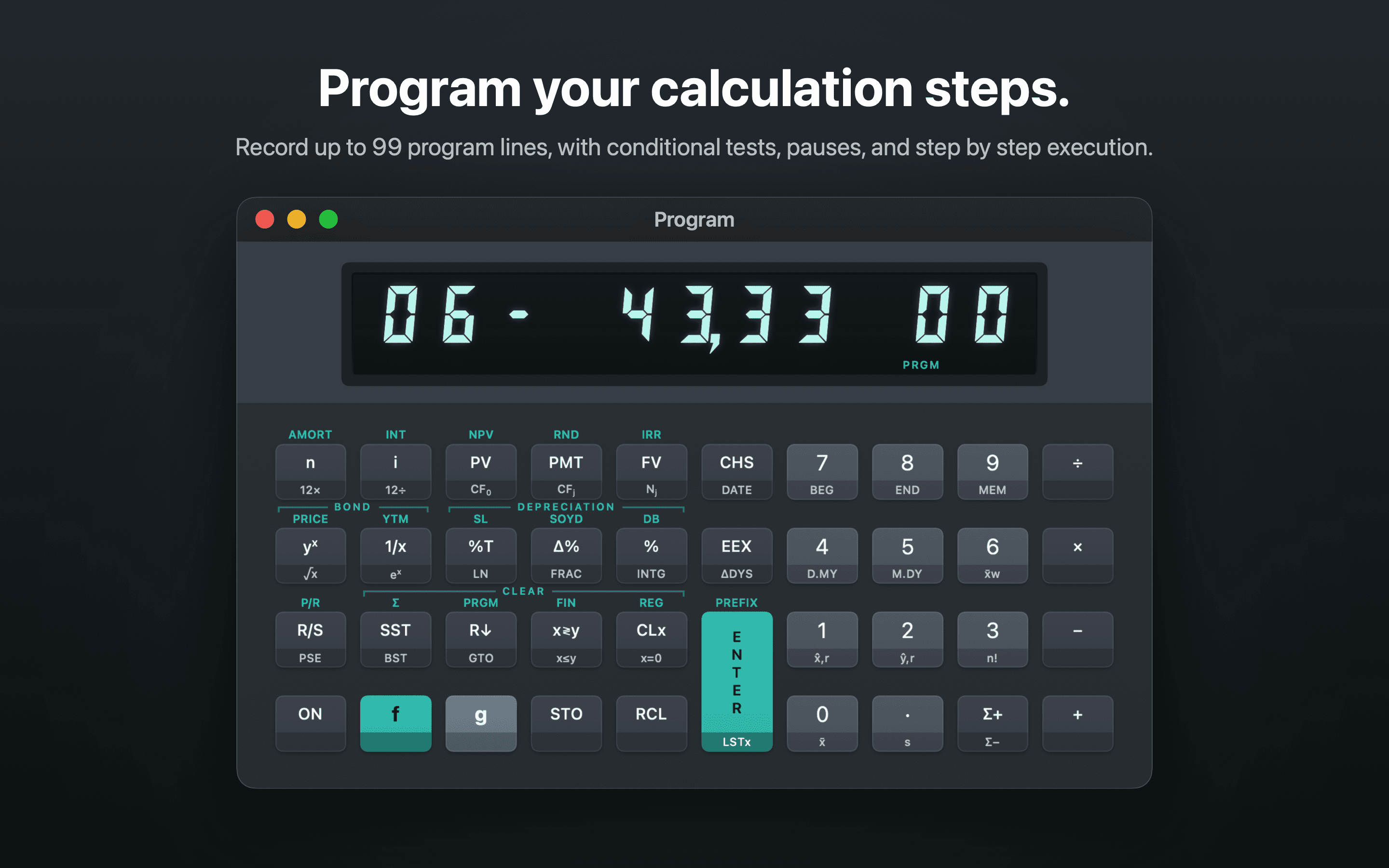
Record and run repeatable key sequences for calculations you perform often. Step through a program or use program control functions.
Work stays on your Mac
Calculator state, programs, and tab names are saved locally. The app has no accounts, advertising, or analytics service.
FinaCalc on macOS
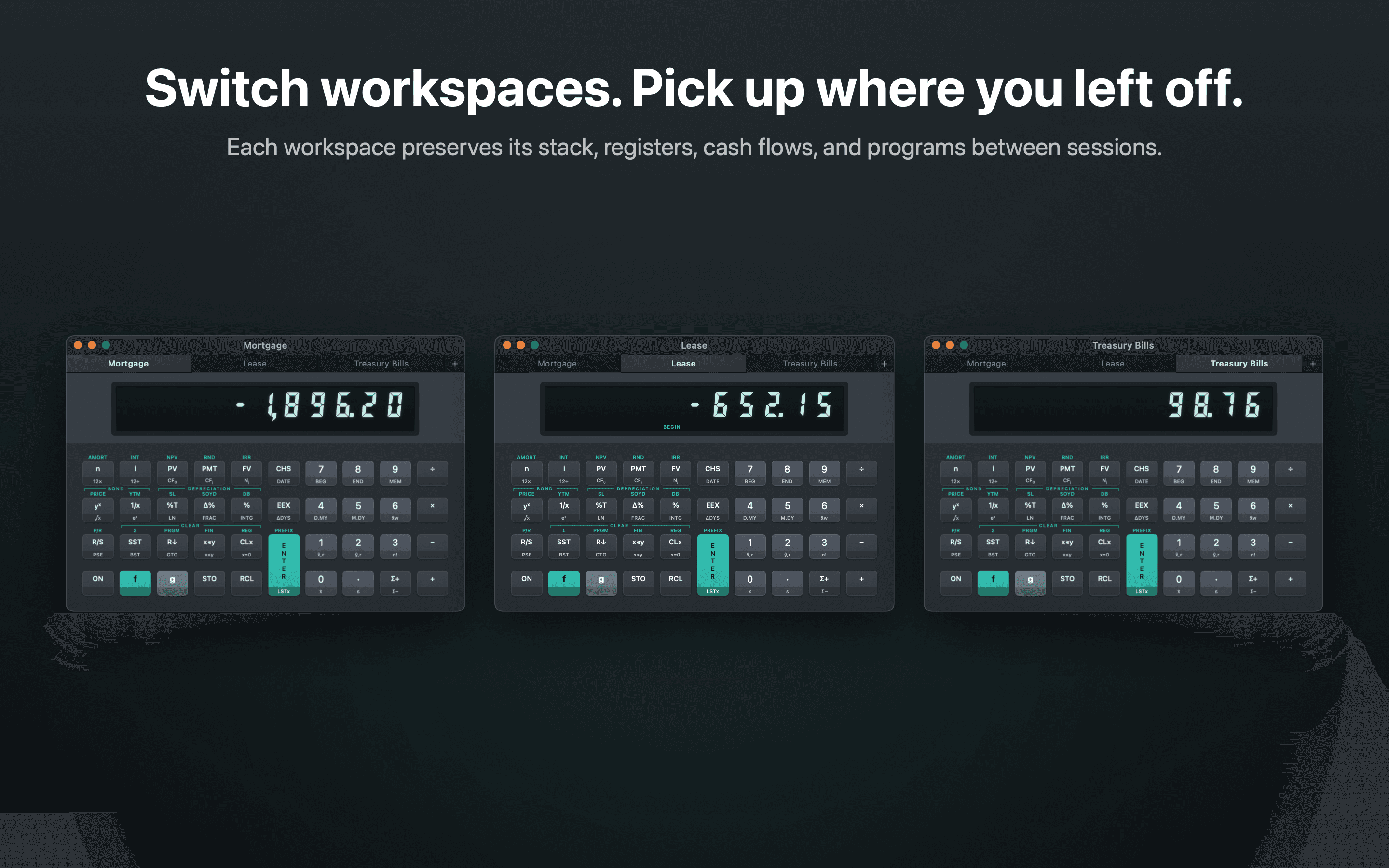
Separate named tabs help keep a mortgage, lease, or treasury bill analysis organized. Each tab saves its own stack, registers, cash flows, and programs for your next session.

Your calculations stay on your Mac
FinaCalc saves calculator state and named tabs on your Mac so you can return to your work. The app does not require an account and does not use advertising or analytics services.
Questions
Who is FinaCalc for?
It is designed for finance and fintech professionals who use RPN workflows and financial functions in their daily work.
Does FinaCalc provide financial advice?
No. It performs calculations based on the values you enter. Review the inputs and results before using them in a business or financial decision.
Where can I download it?
FinaCalc is being submitted to Apple for review. The Mac App Store link will be added here after approval.